
Join the ProLyft beta
iPhone and Android · open this page on your phone
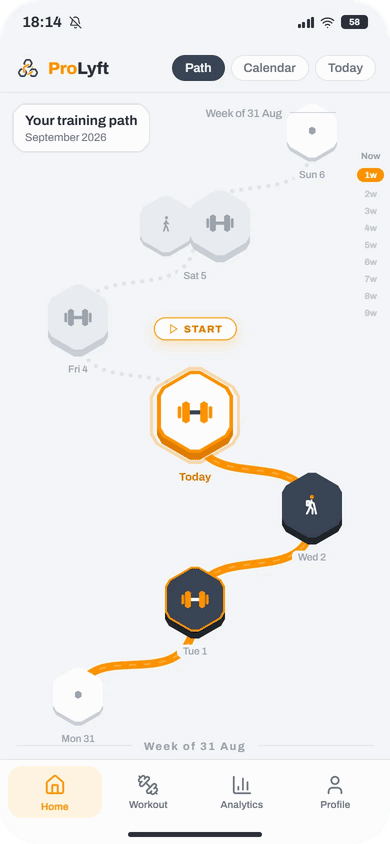
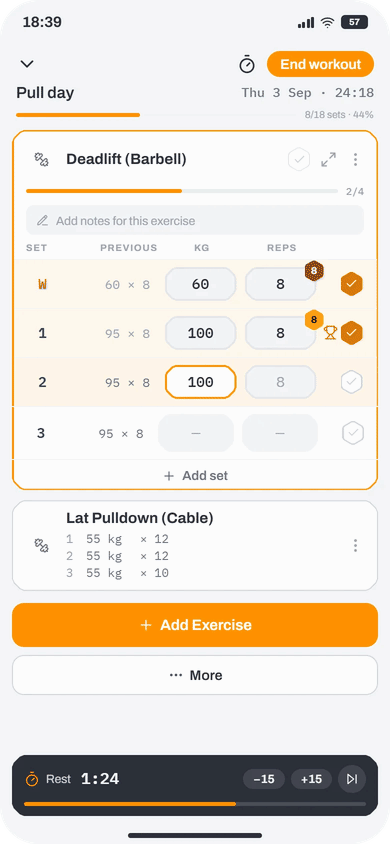
ProLyft is a strength-training log: pick or build a program, log your sets with the rest timer, and follow your records, muscle focus and recovery estimates.
iPhone
via TestFlightInstall TestFlight, Apple's app for beta testing, from the App Store.
Get TestFlightOpen the invite on your iPhone, tap “Accept”, then “Install”.
Open the TestFlight inviteJoin a tester channel for update notes:
🎁 GET 1 YEAR OF PREMIUM FREE. Log 3 workouts on 3 different days and answer a short feedback form (link in tester channels above).
If TestFlight says the beta isn't accepting new testers, it's full or not open yet. Please try again later.
Android
via Google PlayOpen this page in Chrome: if it opened inside Telegram or WhatsApp, tap ⋮ and open it in Chrome. Use the same Google account in Chrome and in the Play Store app.
Join the tester group: tap “Join group” (if you see “Sign in”, first sign in with your Google Play account). Leave the email option as it is (we write there rarely) and tap “Join group” again.
Open the tester groupIn the tester group only we can see your email address, and we delete the group when the beta ends.
Wait a few minutes, then open the Google Play test page, tap “Become a tester”, then “download it on Google Play”, and install ProLyft.
Open the Google Play test pageJoin a tester channel for update notes:
🎁 GET 1 YEAR OF PREMIUM FREE. Log 3 workouts on 3 different days and answer a short feedback form (link in tester channels above).
If Google Play says “App not available”, “Item not found” or “not found”, your group membership hasn't reached Google Play yet: wait up to 30 minutes and try again. Also check that the Play Store app uses the same Google account (Play Store → your profile picture).
Questions or bugs? support@prolyftapp.com · in the app: Settings → Support & Legal → Write to us.